
Professional DC Fast Charging: Integrating RFID, APP, and Digital Signage
Quick Answer: A professional DC fast charging deployment succeeds or fails on the quality of the user journey. In 2026, that journey is defined by three integrated interfaces: RFID for frictionless, credential-based access; a mobile APP for discovery, session control, and payment; and digital signage for real-time communication, branding, and advertising. When these systems are engineered together — not bolted on as afterthoughts — charging stations deliver faster throughput, lower support costs, and higher revenue per bay. Businesses ranging from office parks to retail centers are standardizing on hardware that unifies these interfaces, ensuring that every driver, whether a walk-up guest or a registered fleet member, experiences the same professional, branded, and dependable service.
Key Takeaways
- RFID provides instant, credential-based authentication ideal for fleets, employees, and closed user groups — with no app download required.
- APP integration covers the full customer journey: station discovery, live status, charging start, payment, and session history.
- Digital signage turns the dispenser into a communication hub for instructions, branding, wait-time messaging, and advertising.
- OCPP-compliant hardware ensures the charging layer interoperates with any network backend, keeping the operator’s options open.
- Unified interfaces reduce support tickets, increase utilization, and create measurable improvements in user satisfaction and revenue.
1. The Frictionless Charging Journey
Every charging session begins with a moment of interaction. The driver approaches the station and must answer three questions: Is this station compatible with my vehicle? How do I start it? What will it cost? The speed and clarity of those answers determine whether the session starts smoothly — or whether the driver abandons the bay and calls support.
Professional stations resolve this with layered interfaces. Each access method suits a different user type: RFID cards for employees, fleet drivers, and subscription members; APP for transient and roaming users; and the on-screen signage for orientation, instructions, and real-time feedback. A well-integrated station lets each user choose the path they prefer, while the operator captures the same clean session data regardless of path.
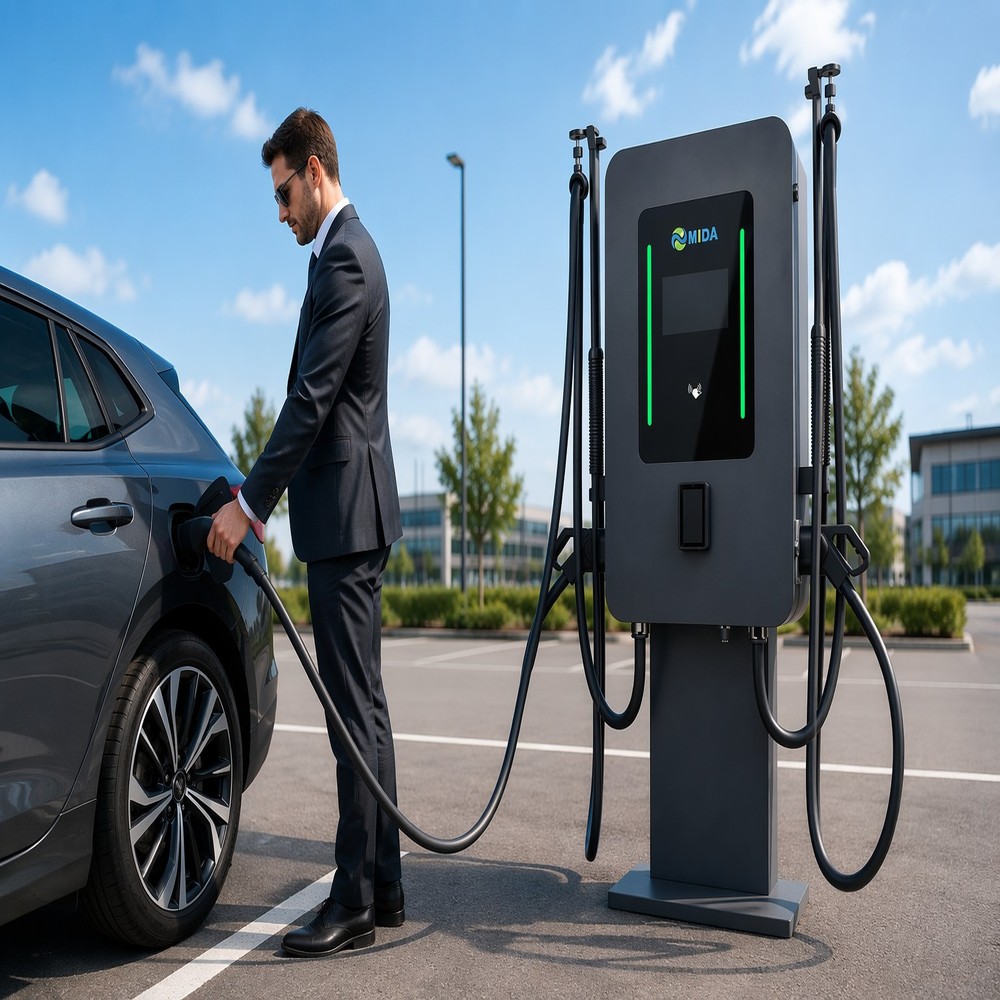
The Dual Socket 180kW Advertising Charger with RFID Card Reader and Smart Media Display is a reference implementation of this philosophy. It combines a professional 180kW DC fast charger with RFID authentication, dual connectors for two-vehicle service, and a smart media display that guides the user through the session — from plug-in to completion.
2. RFID: Credential-Based Access That Just Works
RFID remains the most reliable access method for closed and semi-closed user groups. Its strengths are practical:
- Zero learning curve: Tap the card, plug in, charge. No app, no account setup, no connectivity dependency at the point of use.
- Fleet and employee management: Operators issue cards linked to cost centers, vehicles, or individuals, with usage rules and spending limits enforced centrally.
- Reliability: RFID readers operate independently of cellular coverage and app availability, critical in parking garages and remote sites with weak signal.
- Billing integration: Card credentials map directly to billing accounts, enabling post-pay invoicing for corporate clients.
For a business deploying chargers for staff and delivery fleets, RFID converts the station into a managed corporate asset. Sessions are attributable, budgets are enforceable, and the same card can be provisioned across every site in the company’s network — an experience no walk-up app flow can match.
3. APP Control: The Full Digital Journey
Where RFID handles the credentialed user, the mobile APP serves the broader market. In 2026, drivers expect to find stations, check live availability, and start charging from their phone — often without ever touching a physical terminal. A professional APP integration covers the complete lifecycle:
- Discovery: Map-based search with live status, power rating, and pricing transparency.
- Navigation and arrival: Routing to the bay, with parking guidance where available.
- Session start: QR-code or Bluetooth pairing, with the station confirming readiness on its display.
- Live monitoring: Real-time power, energy delivered, and estimated completion on the phone.
- Payment and receipts: Wallet-based settlement with digital receipts for expense reporting.
- History and loyalty: Session history, usage analytics, and loyalty rewards that drive repeat visits.
The Professional 120kW Floor-Stand Charger with Advertising Screen and APP Control is engineered for exactly this dual-mode reality: APP users get the complete digital experience, while RFID and on-screen controls remain available for users who prefer them — no mode is treated as an afterthought.
4. Digital Signage as the Fourth Interface
Beyond authentication and control, the dispenser screen performs a role that neither RFID nor the APP can: it communicates with every person in the bay, whether they are charging or simply walking past. Professional signage on charging stations serves four distinct functions:
- Session guidance: Step-by-step instructions, plug type confirmation, and live charging status reduce first-time-user errors and support calls.
- Brand communication: Operator branding and partner messaging turn every session into a branded moment.
- Advertising: With the display already in the driver’s line of sight, media inventory is monetized without any extra hardware.
- Public information: Safety notices, wayfinding, and community content keep the screen useful even when the bay is idle.
High-brightness panels are essential — indoor-grade screens become unreadable in daylight, destroying both the guidance value and the advertising value. Professional deployments specify displays of 1500 nits and above, with weather-sealed enclosures for outdoor sites.
5. Comparing the Interfaces
| Interface | Best For | Strengths | Key Requirement |
|---|---|---|---|
| RFID | Fleets, employees, members | Instant, offline-capable, auditable | Central card provisioning and billing |
| APP | Public and roaming users | Discovery, payment, loyalty, history | OCPP backend integration, QR/BLE pairing |
| Digital signage | All users, plus media monetization | Guidance, branding, advertising | High brightness, cloud CMS, IP54+ |
| Combined system | Mixed-site deployments | Choice of path, single data record | Unified platform across all modes |
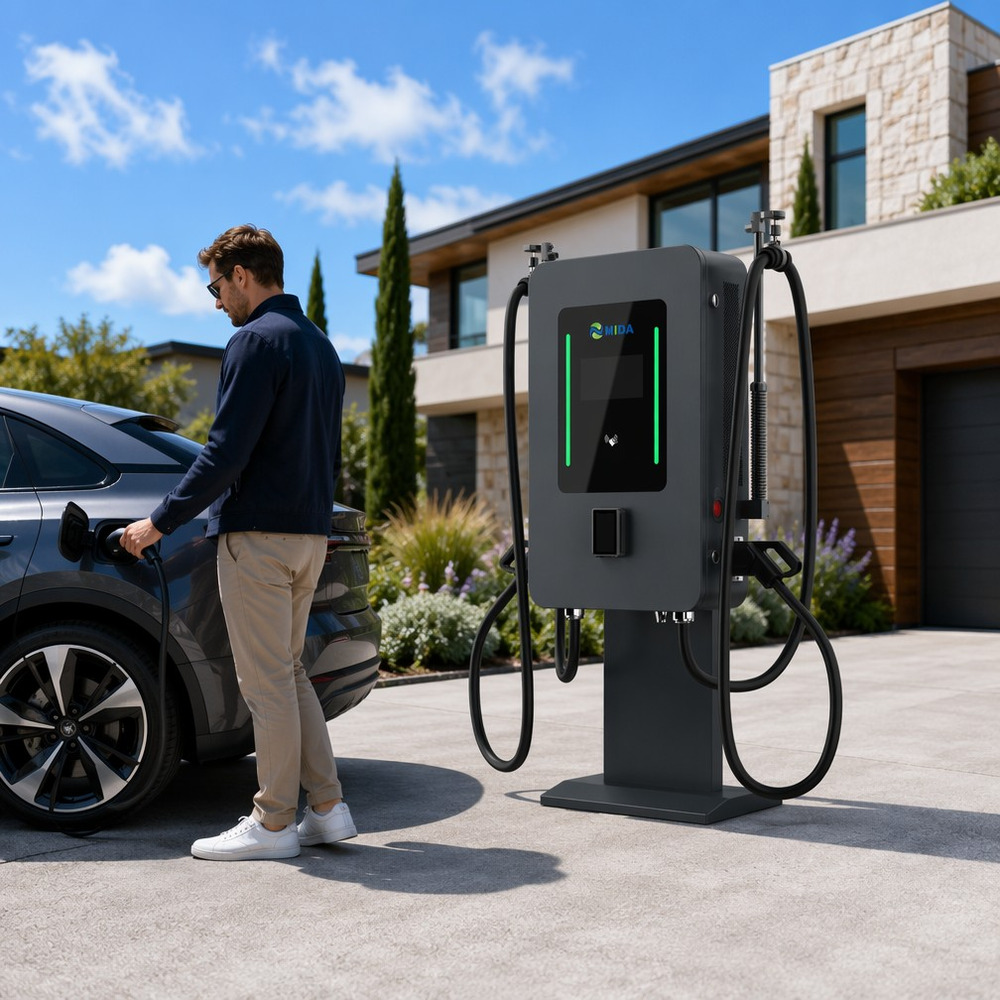
Operators should resist the temptation to standardize on a single interface. The market is heterogeneous: a mall site serves walk-up drivers who prefer their phone, while a logistics yard serves fleet drivers who will never install an app. Hardware that supports all three interfaces — as the Commercial Advertising EV Charger 60kW–120kW with APP Operation System and Floor-Stand Design does — lets one procurement cover every site type.
6. The Operator’s View: Data, Support, and Revenue
Integration is not only a user-experience question; it is an operating model. When RFID, APP, and signage share one platform, the operator gains:
- Single session record: Every charge is logged identically regardless of access method, simplifying billing and reconciliation.
- Lower support load: On-screen guidance and APP self-service resolve the majority of first-use issues without a call center.
- Higher utilization: Clear instructions reduce bay-blocking errors, and APP discovery drives traffic to underused stations.
- New revenue: Sponsored sessions, screen advertising, and premium membership tiers all become operational options.
In public-square deployments, where users are diverse and often first-time, the Reliable 180kW Charging Station with High-Brightness Advertising Screen demonstrates why interface quality matters most exactly where the user base is least homogeneous: the display guides, the APP serves the digital-native majority, and RFID covers municipal and partner vehicles.
7. Deployment Scenario: A Business Park
A technology business park with 1,200 daily visitors installs six professional DC fast charging bays. The operator — a facilities management company — designs the user journey explicitly. Employees of park tenants receive RFID cards, linked to payroll-friendly billing and usage allowances. Visitors and contractors use the APP, which lists live bay status and handles payment automatically. Each station’s display shows park branding, live session data, and rotating partner advertising from businesses inside the park.
Within six months, the operator observes measurable results: APP-based sessions grow as the station appears in major roaming networks; RFID usage among employees exceeds projections; support calls related to “how do I start” fall to near zero thanks to on-screen guidance; and advertising revenue from park tenants covers a meaningful share of site operating costs. The same integration package is then extended to two additional parks, using identical hardware and one management platform.
8. Designing the Interface Hierarchy
Integration does not mean every interface should compete for the user’s attention at the same moment. Professional deployments define a clear hierarchy so the driver always knows what to look at first. The display owns orientation: when a vehicle approaches, the screen shows the bay number, connector types, and a readiness prompt, so the user arrives at the station already knowing what to do. At the dispenser, the RFID reader or QR code provides the action layer: tap or scan to start. The APP then owns the session once charging begins — delivering live power data, estimated completion time, and payment confirmation while the screen pivots to brand and advertising content.
This division of roles prevents the most common usability failure in integrated systems: conflicting instructions. When the screen asks the driver to tap a card at the same moment the APP prompts a QR scan, first-time users hesitate, and hesitation lengthens bay occupation. A disciplined hierarchy — orientation on screen, initiation via card or phone, monitoring in the APP — shortens time-to-plug and measurably improves throughput at busy sites.
9. Measuring Success: UX Metrics That Matter
Operators can quantify the value of interface integration with a small set of operational metrics, tracked before and after deployment:
| Metric | What It Reveals | Good Signal |
|---|---|---|
| Time-to-plug | Ease of starting a session | Under 60 seconds for first-time users |
| Support tickets per session | Clarity of guidance and self-service | Declining or near zero |
| Bay utilization | Throughput efficiency | Rising with reduced dwell |
| APP adoption rate | Digital journey acceptance | Majority of public sessions via APP |
| Abandoned sessions | Friction points | Below 2% of started sessions |
Each metric maps to a design decision. A slow time-to-plug points to ambiguous on-screen instructions or poor reader placement. Rising support tickets suggest the interface hierarchy is confusing. Low APP adoption may indicate weak onboarding at the station or a payment step that is too complex. Because RFID, APP, and signage data all flow through one platform, operators can diagnose these issues without manual observation — the system itself reveals where the journey breaks.
10. Frequently Asked Questions
Q1. Why use RFID when drivers already have smartphones?
RFID serves users who do not want or cannot use apps — fleet drivers, employees, and guests in low-connectivity sites. It is instant, offline-capable, and auditable, making it the most reliable access method for closed user groups.
Q2. Can one station support RFID, APP, and signage simultaneously?
Yes. Professional stations integrate all three: RFID reader for cards, APP control via QR/BLE, and a media display for guidance and advertising — with each session logged through a single platform.
Q3. How does the APP know which station I am at?
Most professional systems use QR-code scanning or Bluetooth pairing to bind the phone to the specific dispenser, then start the session through the OCPP backend.
Q4. What happens if there is no mobile signal at the site?
RFID remains fully functional offline, and the station’s local intelligence handles session start and metering, synchronizing to the cloud when connectivity returns.
Q5. Do the screens require separate management software?
Professional platforms manage charging and media together, so content scheduling, playback proof, and session data live in one system rather than two disconnected tools.
Q6. Is APP control compatible with major roaming networks?
Yes. OCPP-compliant stations integrate with roaming platforms, so APP users from other networks can discover and use the station under their existing accounts.
Q7. What screen brightness is needed for outdoor stations?
At least 1500 nits, with 2000–2500 nits recommended for direct-sun locations such as public squares and forecourts, to keep guidance and advertising legible year-round.
Post time: Aug-25-2026